
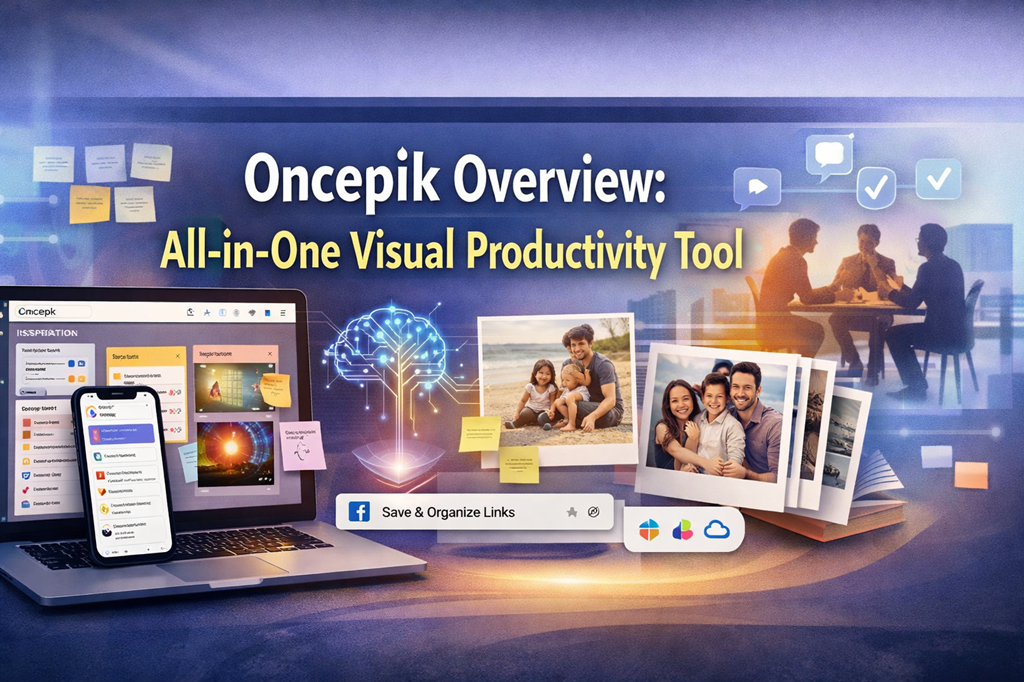
Digital work and personal life move fast. Notes live in one app, links hide in browser bookmarks, tasks sit in another tool, and photos scatter across devices. Over time, this fragmentation creates friction, stress, and lost information.
Oncepik addresses this challenge with a clear idea: bring everything into one visual, flexible workspace. Instead of managing information through rigid lists and disconnected tools, Oncepik helps individuals and teams organize ideas, tasks, links, and memories visually, all in one place.
At its core, Oncepik is designed to reduce digital clutter while making work and collaboration feel more natural, focused, and human.
What Is Oncepik?
Oncepik is a visual-first, all-in-one productivity, collaboration, bookmarking, and memory-sharing platform. It acts as a unified workspace where scattered digital information comes together in an intuitive, visual format.
Instead of forcing users to adapt to strict structures, Oncepik adapts to how people naturally think, plan, and remember.
Why a Visual-First Workspace Matters
Most ideas do not start as polished text. They begin as quick thoughts, saved links, sketches, screenshots, or rough plans. Visual organization supports this process because it mirrors real thinking.
With visual boards, users can:
-
See the full picture at a glance
-
Group related ideas naturally
-
Move elements as priorities change
-
Keep context instead of jumping between apps
As a result, planning becomes clearer, and decisions feel easier.
Core Features and Functionalities of Oncepik
Visual Workspace Built for Real Thinking
Oncepik replaces text-heavy lists with interactive visual boards. These boards act as living spaces where projects evolve instead of static documents.
Users can:
-
Drag and drop content freely
-
Combine notes, images, links, and files
-
Resize and rearrange elements easily
-
Build layouts that match personal or team workflows
This flexibility makes the workspace feel intuitive rather than restrictive.
Task and Project Management in One Flow
Oncepik includes built-in task and project management tools that stay connected to visual boards.
With this approach, users can:
-
Create tasks directly where work happens
-
Assign responsibilities clearly
-
Set deadlines and priorities
-
Track progress without switching tools
Pre-built templates, such as content calendars and brainstorming boards, help users start quickly while staying organized.
Real-Time Collaboration for Modern Teams
Oncepik supports real-time collaboration designed for remote and hybrid teams.
Shared workspaces allow teams to:
-
View updates instantly
-
Leave comments directly on content
-
Brainstorm together in one visual space
-
Maintain alignment without long message threads
This creates a digital environment similar to a whiteboard, but with structure, persistence, and clarity.
Smart Bookmarking and Knowledge Management
Important links often disappear into browser folders and never resurface. Oncepik solves this with smart bookmarking tools.
Using a browser extension, users can:
-
Save links instantly while browsing
-
Organize them visually on boards
-
Apply tags and folders for fast retrieval
-
Connect links with notes and tasks
Over time, this builds a personal or team knowledge hub that stays searchable and useful.
Memory and Photo Sharing in a Secure Space
Oncepik extends beyond productivity into memory sharing.
Users can create collaborative albums where:
-
Multiple people contribute photos or videos
-
Content stays organized visually
-
Memories remain private and encrypted
This makes the platform useful for families, events, and shared life moments, not just work.
AI-Powered Organization and Automation
Oncepik integrates AI to support better organization rather than replace human creativity.
AI-driven features help by:
-
Suggesting improved board layouts
-
Identifying patterns in tasks and projects
-
Recommending ways to structure information
-
Providing predictive insights for project trends
These tools reduce manual effort while keeping users in control.
Who Is Oncepik Designed For?
Creative Professionals and Teams
Designers, marketers, writers, and strategists benefit from visual brainstorming and structured creativity. Ideas move from rough concepts to polished results without losing context.
Individuals and Students
For personal productivity, Oncepik supports:
-
Study planning
-
Goal tracking
-
Daily task management
-
Organizing research and learning materials
Visual layouts make complex information easier to understand and remember.
Families and Social Users
Families and groups can plan events, share memories, and collaborate on life moments in one secure space.
Key Benefits of Using Oncepik
Higher Productivity with Less Effort
By consolidating multiple tools into one platform, Oncepik reduces context switching and saves time.
Clearer Organization
Visual tagging, flexible layouts, and intuitive grouping make information easier to find and manage.
Stronger Collaboration
Shared visual workspaces improve communication, alignment, and teamwork.
Enhanced Creativity
Drag-and-drop editing and multimedia support encourage experimentation and idea development.
What Makes Oncepik Different From Other Tools
True Visual-First Design
Unlike text-focused platforms, Oncepik prioritizes spatial thinking and visual clarity from the start.
All-in-One Versatility
It blends project management, knowledge organization, collaboration, and memory sharing into a single experience.
High Performance at Scale
Oncepik supports large, complex boards smoothly, even as projects grow.
Practical Tips for Using Oncepik Effectively
-
Start with templates to save setup time
-
Use tags and folders consistently
-
Capture links immediately with the browser extension
-
Create a main dashboard board for navigation
-
Integrate tools like Slack or Google Drive to streamline workflows
The Future Direction of Oncepik
Oncepik continues to evolve with a strong focus on intelligent organization and immersive collaboration.
Future plans include:
-
Deeper AI-driven content curation
-
Advanced collaboration tools
-
Exploration of augmented reality experiences
These developments aim to keep the platform aligned with how people naturally think and work.
Final Thoughts: Why Oncepik Stands Out
Oncepik is more than a productivity tool. It is a thoughtfully designed workspace that brings clarity to digital life through visual organization, collaboration, and intelligent support.
By unifying tasks, ideas, knowledge, and memories into one intuitive environment, Oncepik helps individuals and teams focus on what matters most. It offers a calmer, smarter, and more human way to stay organized in an increasingly complex digital world.